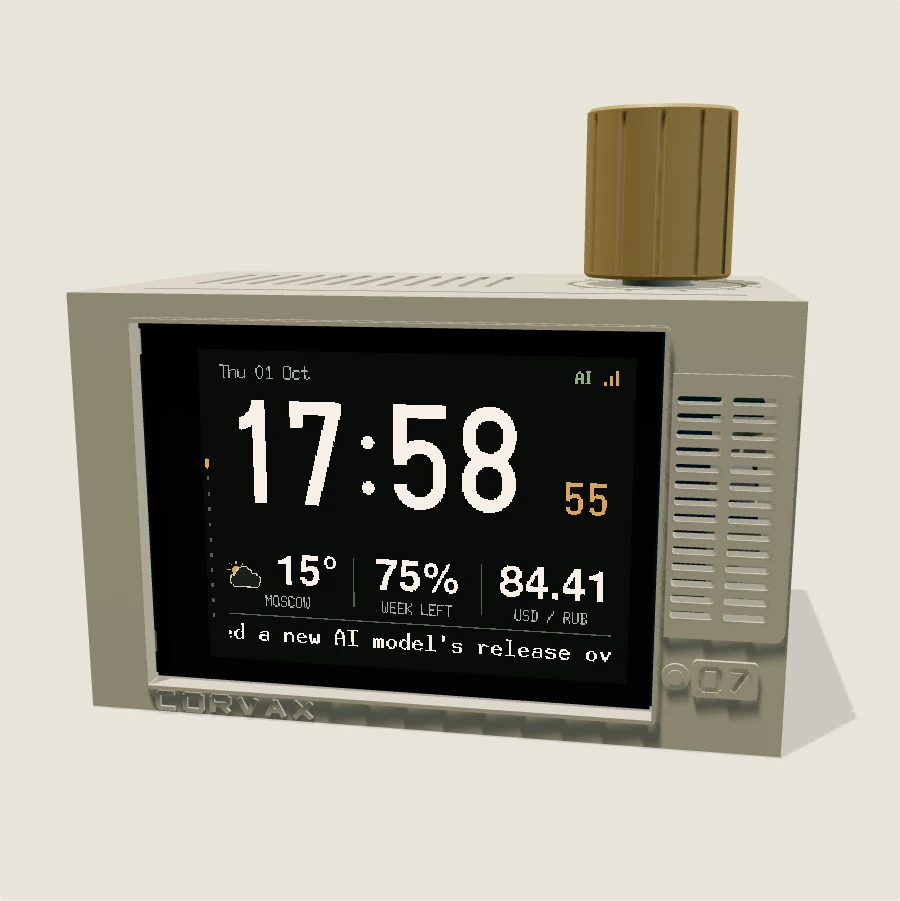
Use the arrows to turn the dial. Press it to select, hold for back. On the keyboard, use Left and Right, Enter and Escape. Drag the enclosure to rotate the model.
Clock
Moscow time, weather and the selected exchange rate. Press the dial to choose a currency.
Codex
The remaining weekly allowance for the connected account. The number in this demo is a recorded example.
Exchange rates
Configurable currency pairs. The quote currency and each of the three rows can be changed.
Weather
Temperature, wind and humidity in Moscow. These are recorded readings.
Forecast
Daytime highs, overnight lows and weather conditions for the next three days.
YouTube
Channel totals and recent video views. The action menu opens saved channels, refresh and channel settings.
News
Headlines from OpenAI web search or RSS. The source, model, reasoning level and prompt are set on the device.
Timers
Three countdown timers. Press to select a timer, then start, pause or change its duration.
Video
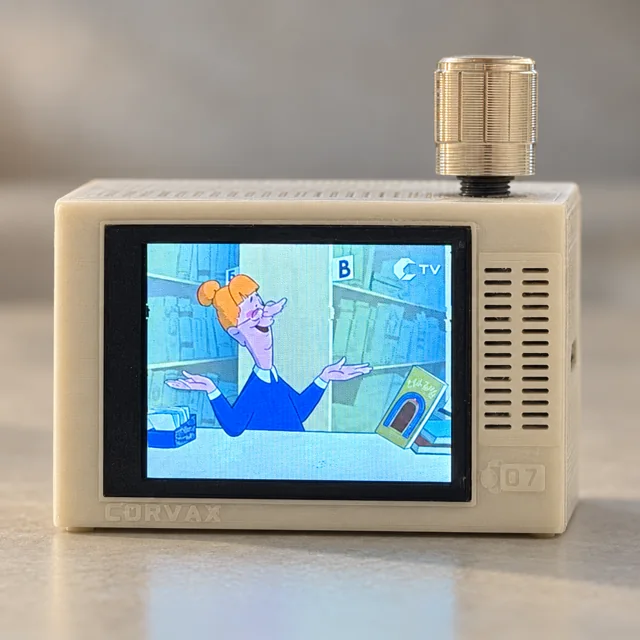
Prepared AVI / MJPEG files play from microSD. This demo uses a recorded screen sample.
Settings
Display, news, connections and updates. Settings here affect only this browser demonstration.
Display
Clock layout and TV interference. Press to edit a value; hold to cancel or go back.
News settings
The captured setup uses OpenAI, 6 LUNA and high reasoning. The real device also lets you set the prompt and update interval.
Test card
The device’s TV test pattern. Press the dial to switch interference on or off.
Firmware 1.27.0 menu · Current Moscow time; other readings are recorded examples.